When you find New Balance items through Fashionreps, if the warehouse status in your external shopping agent account hasn't changed for a long time, the most important thing isn't to keep refreshing the page but to first confirm which stage the order is stuck at, then decide whether to submit a support request to the agent platform.
This article only addresses one specific issue: the warehouse status related to the item hasn't updated for a long time. After reading, you should be able to review order records, save necessary evidence, submit a more complete support request, and know when to stop repeating actions. This article does not apply to situations where the package has already shown as shipped, the logistics carrier has received it, or the agent platform has clearly announced system maintenance; these situations require switching to logistics tracking or checking platform announcements.
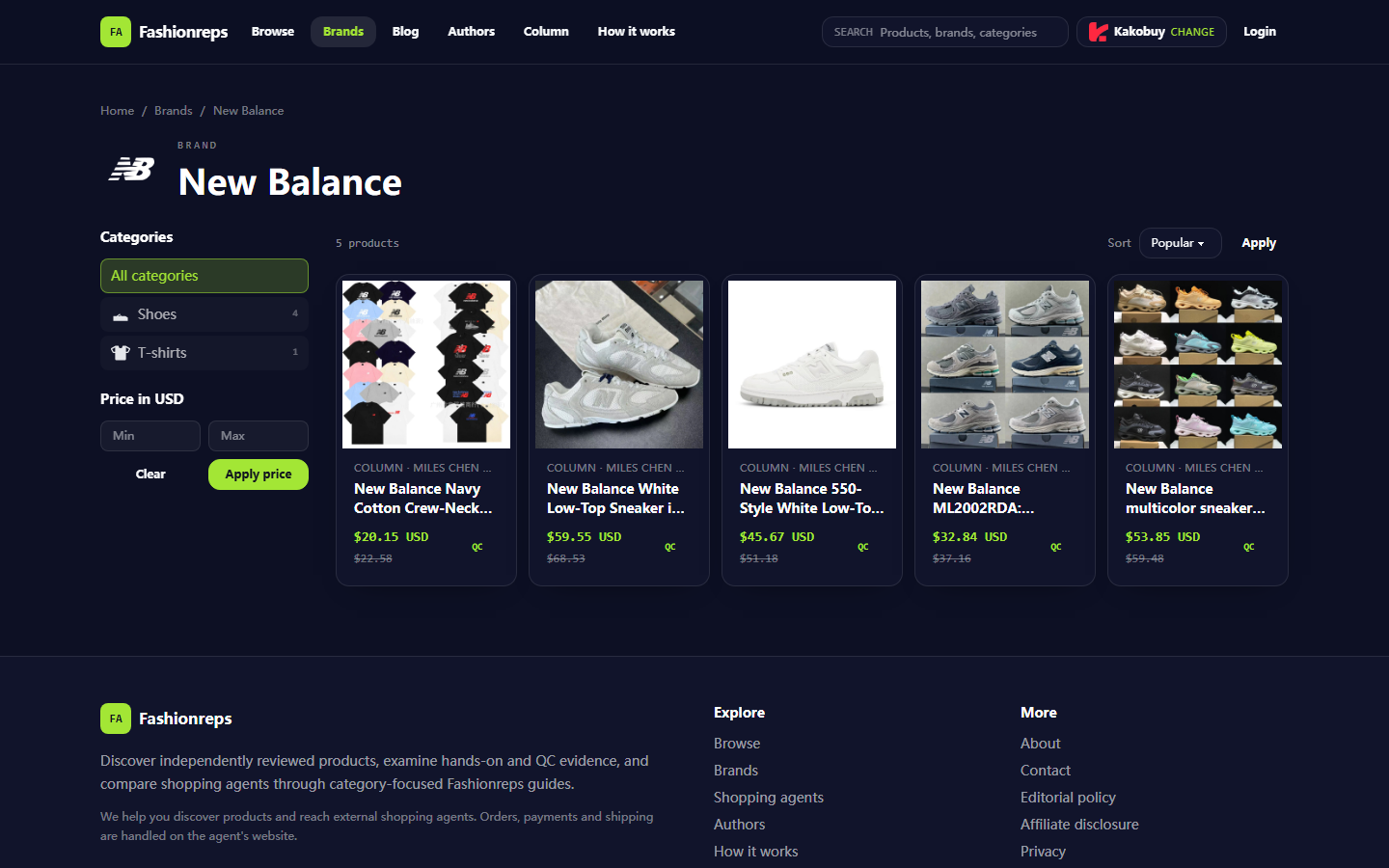
Fashionreps' New Balance page is for discovering and comparing products. The page shows footwear and apparel under the New Balance brand and provides entry points to choose a shopping agent. The purchase, payment, and shipment of goods are handled by the external agent website you select, so the warehouse status should be based on the order records in your agent account and official support channels, not treating the Fashionreps product page as an order backend. 🔎

Specific Issue of New Balance Warehouse Status Not Updating
"Warehouse status not updating" can correspond to several different situations:
- The item order has been paid, but still shows pending or awaiting purchase.
- The purchase record shows the item has been bought, but there is no warehousing or warehouse receipt time.
- The page only shows the item name and order number, with no new scan records.
- The status stays at the same stage without explaining the estimated processing time.
- The timeline on the account page, email notifications, and order details are inconsistent.
These situations do not directly prove the item is lost, the agent platform is malfunctioning, or the seller hasn't shipped. Status updates depend on multiple steps, including item purchase, seller dispatch, agent warehouse receipt, package scanning, and system synchronization. Record the visible facts separately first to avoid misjudgment.
First Confirm Order, Item Specifications, and Visible Timeline
Open the agent platform account where you actually placed the order and record the following information:
- Agent platform name and the order number in the account.
- New Balance item title, color, size, and quantity.
- Order time, payment time, and the most recent status update time.
- The original text of the current status, such as awaiting purchase, purchased, awaiting warehousing, or warehoused.
- Whether the same product link is used in the product details page, order page, and notification email.
- Whether the page shows any error messages, system maintenance notices, or requests for additional information.
Don't just record "hasn't updated for a long time." Copy the actual status, date, and time from the page, and save screenshots that include part of the order number if necessary. Before taking screenshots, cover up your name, address, phone number, payment card number, full shipping label, and other personal information. 📋
If there are multiple items in the order, confirm which item the stagnant status corresponds to. One order may include different sellers, different purchase times, and different warehouse processing progress. You cannot conclude that the entire order hasn't been processed just because one item hasn't updated.
Difference Between Item Processing Status, Warehousing Status, and Package Status
Common status names on agent platforms are not exactly the same, but they can be distinguished by their actual meanings:
| Observed Stage | Facts to Verify | Conclusions You Should Not Draw |
|---|---|---|
| Awaiting purchase or purchase in progress | Whether payment is completed, item specs are clear, seller accepts order | Does not mean the warehouse has received the item |
| Purchased or seller shipped | Whether there is a seller shipping record, tracking number, or dispatch info | Does not mean the agent warehouse has signed for it |
| In transit to warehouse | Whether there are logistics scans, scan time, and destination | Does not mean the item has been warehoused |
| Warehouse receipt or warehousing | Whether there are warehouse photos, inspection records, or optional follow-up services | Does not mean it has been consolidated or shipped to destination country |
| Consolidated or ready to ship | Whether the route has been selected, weighing completed, and relevant fees paid | Does not mean the logistics carrier has received the package |
If the status remains at "seller shipped" or a similar stage, the support request should ask about purchase and warehousing records; if it already shows "warehouse receipt," ask about inspection, storage, or subsequent shipping processes. Sending the question to the wrong department usually only increases the back-and-forth time. ✅
How to Cross-Check Page Refresh, Account Records, and Notification Information
Check in the following order to avoid duplicate submissions or duplicate payments:
- Exit the order details page, then re-enter from the account order list to confirm the status is consistent.
- Check the account's internal messages, order notes, and processing logs.
- Search for payment success notifications, purchase confirmations, seller shipping notifications, and warehouse receipt notifications.
- Verify that the order number, item specifications, and links correspond exactly.
- Record the status again at different times, keeping the update time, instead of continuously refreshing rapidly.
- Check the agent platform's announcements or help center for any notes about system maintenance, order synchronization delays, or warehouse processing delays.
If the order page and email content contradict each other, use the order backend records that agent platform support staff can read as the primary verification source. Do not use the reference prices, item quantities, or page update times on the Fashionreps product page to infer your own order progress; the product discovery page and the agent order backend serve different functions.
How to Preserve Evidence When Update Time or Status Explanation Is Missing
Useful evidence should quickly answer three questions for support staff: which order, which stage it's stuck at, and what you want to verify.
It is recommended to organize it in the following format:
- Order number: Provide only the order identifier needed for the support request, avoiding full personal information.
- Item information: New Balance item title, color, size, and quantity.
- Key times: Payment time, time when status first appeared, and time of last viewing.
- Current status: Copy the original page text; do not rewrite it as "lost package" or "not shipped."
- Checks completed: Results of reviewing the order list, details page, notifications, and platform announcements.
- Request: Please confirm the purchase record, seller shipping record, warehouse receipt record, or the next status update time.
- Attachment description: Note which page and time each screenshot corresponds to, and confirm privacy information has been covered.
If the status page has no timestamp, record the time you viewed the page and clearly write "no update time shown on page at time of viewing." This is more reliable than guessing the actual duration. 🕒
Field Checklist for Submitting Issues to Official Support
Submit the issue through the official customer service, ticket system, or support entry provided in the agent platform account you use. Do not post order numbers, shipping addresses, or payment information in public comment sections, and do not provide complete order details to third-party accounts whose identity cannot be verified.
The support request may include:
- Subject: New Balance order warehouse status not updated for a long time.
- Order number and corresponding item information.
- Payment time and current status shown on the page.
- Last visible update time, or state that the page does not provide a timestamp.
- Specific records you want the platform to confirm: purchase, seller shipping, warehouse receipt, or system synchronization.
- Number of screenshots attached and privacy handling statement.
- Next step you want the platform to respond with: continue waiting, provide additional information, request manual review, or confirm whether cancellation is possible and handled according to platform policies.
Example wording:
"Hello, I would like to verify a New Balance item in my order. The order number is [XX], and the item specs are [XX]. The account shows status [XX], payment time [XX], and the page has not shown a new update time since [XX]. Please confirm whether this order is currently at the purchase, seller shipping, transit to warehouse, or warehouse receipt stage, and let me know if I need to provide additional information. Attachments have covered personal address, phone, and payment information."
This type of statement only states the facts you have seen, without preemptively blaming the seller or platform, and does not expand an unverified issue into "order lost."
When You Should Not Repeat Payment or Submit Duplicate Orders
Do not repurchase the same item until the following situations are confirmed:
- The original order still shows payment successful or purchase in progress.
- Support staff have not yet confirmed that the original order has been cancelled, failed, or cannot be fulfilled.
- Seller shipping information or warehouse processing records have already appeared in the account.
- You simply cannot see the update time, but other records of the order are still changing.
- A new order may result in duplicate payment, duplicate purchase, or two packages entering the warehouse simultaneously.
Similarly, do not submit multiple tickets with the same content consecutively. Keep the original ticket number and only add information to the original request or escalate according to platform procedures when the platform's stated response time has passed, new facts about the order have emerged, or the original ticket has been closed but the issue still exists. Repeated operations can scatter the records and increase verification difficulty.
Do not immediately pay consolidation fees, international shipping fees, or other subsequent charges just because the warehouse status has not updated. Only decide whether to pay according to platform policies when the agent platform account clearly shows the corresponding fees, applicable orders, and payment entry. 💳
Stopping the Wait, Escalating Requests, and Next Steps
Decide the next step based on changes in evidence:
- If the order status is still changing normally: Continue saving the timeline and wait for the next visible update.
- If multiple verification points show the same status for a long time: Submit a complete ticket to the agent platform's official support.
- If official support requests additional order information: Provide necessary information only through the secure entry in the account.
- If the platform confirms purchase failure, order cancellation, or inability to warehouse: First review the refund, replacement, or cancellation policy, then decide the next action.
- If the platform does not respond for a long time: Use the escalation entry of the same ticket and attach the original ticket number and new evidence.
- If unknown payment requests, unfamiliar customer service accounts asking for complete payment information, or requests to disclose personal information appear: Stop operating and use the official entry in the agent platform's website account to verify.
The goal of this troubleshooting is not to make the status appear to update faster, but to confirm the actual stage of the order. Ultimately, you should keep a verifiable record: order identity, item specifications, original status, timeline, support request number, and platform response. This way, even if later you need to cancel, refund, wait for warehousing, or handle shipping, you won't increase losses from duplicate payments or orders.
Frequently Asked Questions About Shopping on Agent Platforms
1. What kinds of products can be found in the bbd-buy.org spreadsheet?
The spreadsheet on bbd-buy.org lists items such as footwear, apparel, bags, accessories, sports jerseys, fragrances, hats, scarves, belts, and a variety of household goods.
2. Which product categories are available on bbd-buy.org?
bbd-buy.org carries a broad selection of merchandise, covering shoes, t-shirts, sweaters, hoodies, jeans, sweatpants, shorts, beach shorts, factory clearance deals, down jackets, baseball jerseys, shirts, hats, jewelry, bags, electronics, sunglasses, socks, underwear, and popular collectibles.
3. What is the purpose of using the bbd-buy.org spreadsheet?
Agent platforms generally don't show products directly on bbd-buy.org, so a spreadsheet is needed to look up items you like and get their purchase links. You can also ask for help on Reddit or Discord; the products suggested there are often great, but the ordering process can be time-consuming. These spreadsheets are usually built over a long period from information gathered on those platforms.
4. Which platform provides the best coupon deals for bbd-buy.org users?
Kakobuy is suggested because it currently gives a $15 discount code with no minimum spend, which is ideal for small orders. The code to use is kakobuy888.